Education2020 to now

Moving thousands of users to a new database, live

TimeCrunch is a homework planner with around 5,000 signed-in users, and I moved all of them from one database to another behind a feature flag without losing a record.

ProductTimeCrunch
RoleDesigner and engineer
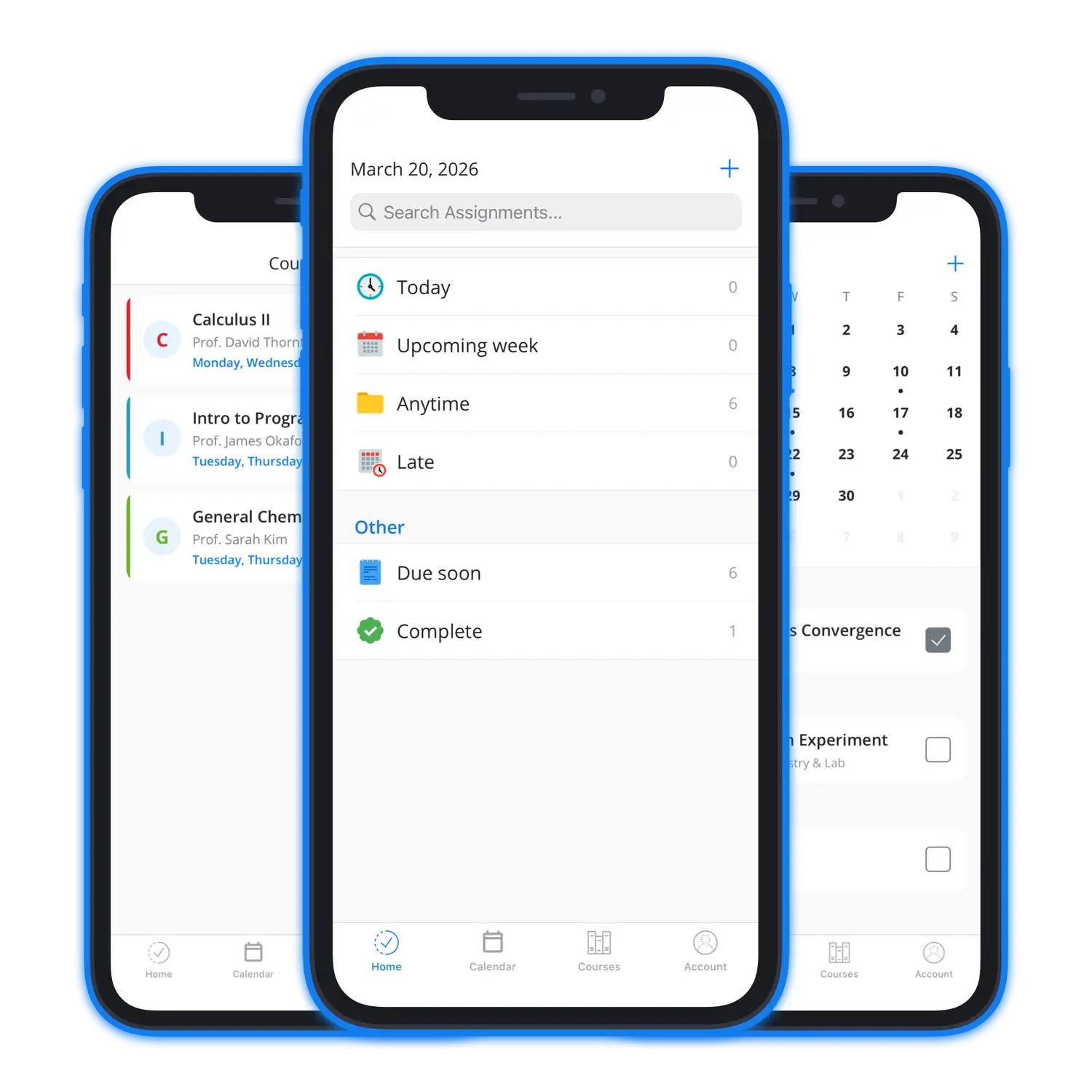
TimeCrunch running on iPhone
~5,000Authenticated users
3Major versions
iOS, watchOSPlatforms
The risk

TimeCrunch had years of students and their coursework sitting in Realtime Database, and a version three that needed a structure the old database could not express well.

These were real students with their own coursework in the app, and losing a semester of somebody's assignments during finals week was not an acceptable risk at any probability.

How I de-risked it

The migration runs on the client, per user, behind a flag, the first time they open the new version. Nobody is moved until their own data has been written successfully.

The old database stays in place as a read-only backup rather than being cleaned up on success. Keeping it costs almost nothing and it is the only way to prove afterward that the migration did what it was supposed to.

The previous version had a destructive archive path that wiped data on term rollover, and I removed it completely so that terms are now real objects and nothing gets destroyed to make room for them.

What went into v3
  • The version three app, with terms as first-class objects
  • A per-user client-side migration behind a feature flag
  • A watchOS companion app
  • Home screen widgets and an upcoming assignments extension
  • The read-only fallback path to the original database
The migration

How it was done safely

01

Everyone moved on their own schedule

Each account migrates independently the first time it opens version three, gated on a flag that only flips after the write succeeds. A failure affects one person and retries, rather than taking down a whole cohort at once.

MigrationFeature flags
02

The old data stayed

Realtime Database was kept read-only rather than cleaned up after the cutover, because the storage costs very little and it means I can always show exactly what a user's data looked like before the move.

FirebaseSafety
03

Removed the destructive path

The old version archived and wiped data on term rollover. Version three deletes that path entirely, which meant going looking for code that quietly destroys user data before anyone reported it.

Data integrity
04

Watch and widgets reading the same data

The watchOS app, the home screen widgets, and the upcoming assignments extension all read from the same store, so a student sees the same state wherever they look.

watchOSWidgetKit
The result

Around 5,000 authenticated users moved to the new database with no records lost and no support queue full of people missing their coursework.

Migrating a live user base is the kind of work most people are nervous about, and in my experience it comes down to going slowly and keeping everything you might need to fall back on.

Built with
Platform
SwiftUIKitWidgetKitwatchOS
Infrastructure
Firebase FirestoreRealtime DatabaseStoreKit 2